
5-minute quick start
This guide walks you through: login → configure API keys → AI-generate a strategy → backtest → run on paper.
Default mode is Paper (Sandbox) — no real funds at risk. To go live, first read Live Trading and prepare your OKX API keys.
Step 1 · Sign in
Open https://app.totodo.icu and click Connect Wallet. Sign the message in MetaMask — TodoAI does not initiate any on-chain action, it only proves you own this address.
After signing you land on the Dashboard:
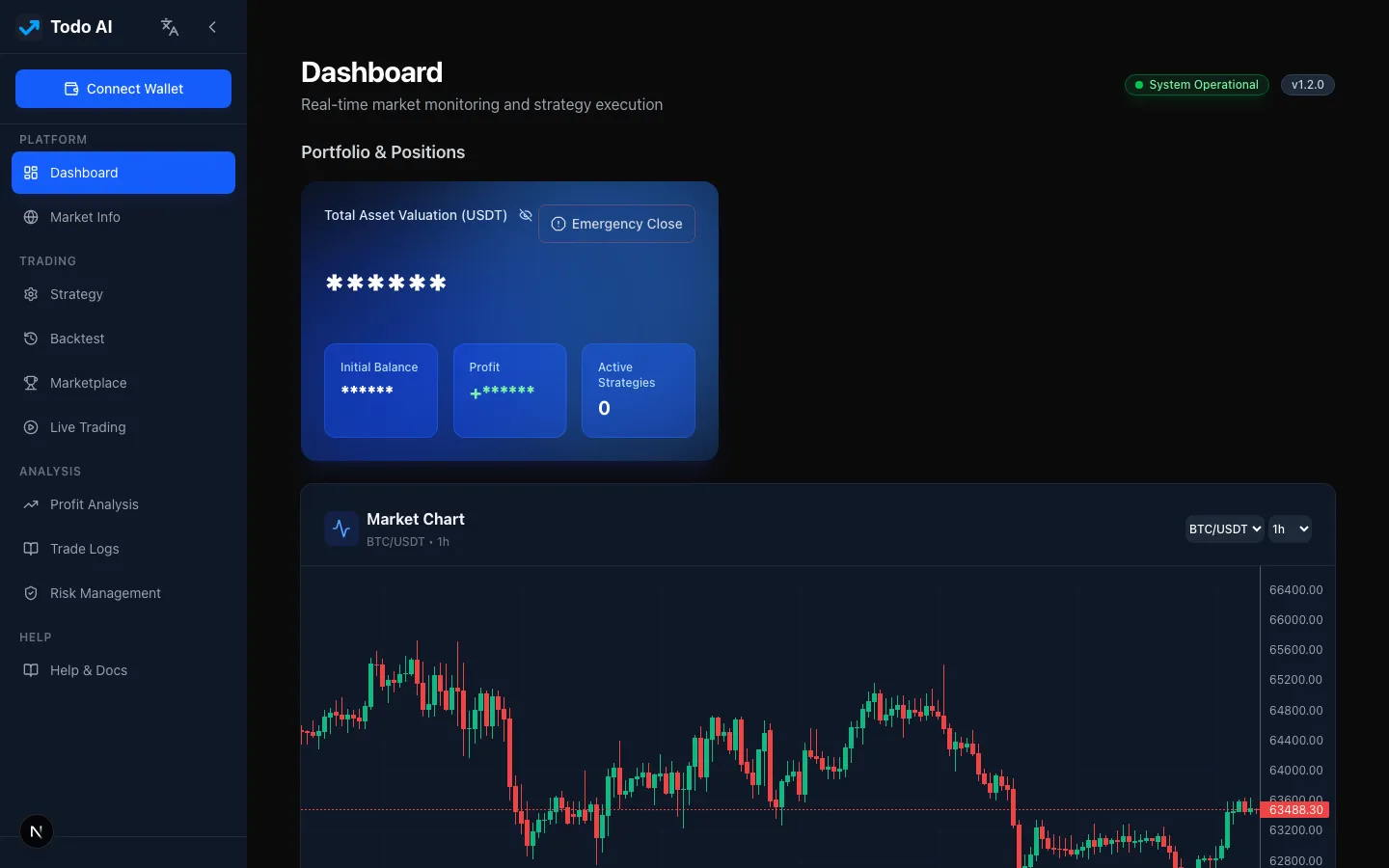
- Top: total equity (USDT), initial balance, cumulative PnL
- Middle: BTC/USDT 1h candlestick chart
- Sidebar: every feature entry point
Step 2 · Configure OKX API keys
Click the gear icon in the Sidebar → select the Paper (Simulation) tab → fill in:
| Field | Description |
|---|---|
| API Key | The API Key string from OKX |
| Secret Key | The string OKX shows only once at creation — copy it in full (including the trailing =) |
| Passphrase | The one you set yourself when creating the API, not your OKX login password |
Click Save — the system will automatically run Test Connection. A green "Connection OK" banner means you're connected.
Detailed steps, Passphrase explainer, IP whitelist, common failure causes → API Keys Complete Guide
Step 3 · Create your first strategy
Go to Strategy → click New Strategy → choose AI Generator. Describe your idea:
Create a Bitcoin trading strategy:
- Buy when RSI(14) drops below 30
- Sell when RSI(14) goes above 70
- Stop-loss 2%, take-profit 4%
- Run on 1-hour timeframe
Click Generate — the AI will:
- Output a reasoning chain in English (displayed in the right timeline)
- Compile it into DSL rules
- Validate with Zod automatically
Not satisfied? Edit the rules directly in the DSL editor. You can also tweak a step in the reasoning chain and ask the AI to regenerate.
Step 4 · Backtest
Go to Backtest → select the strategy you just saved → choose BTC/USDT + 1 Day → click Run Backtest.
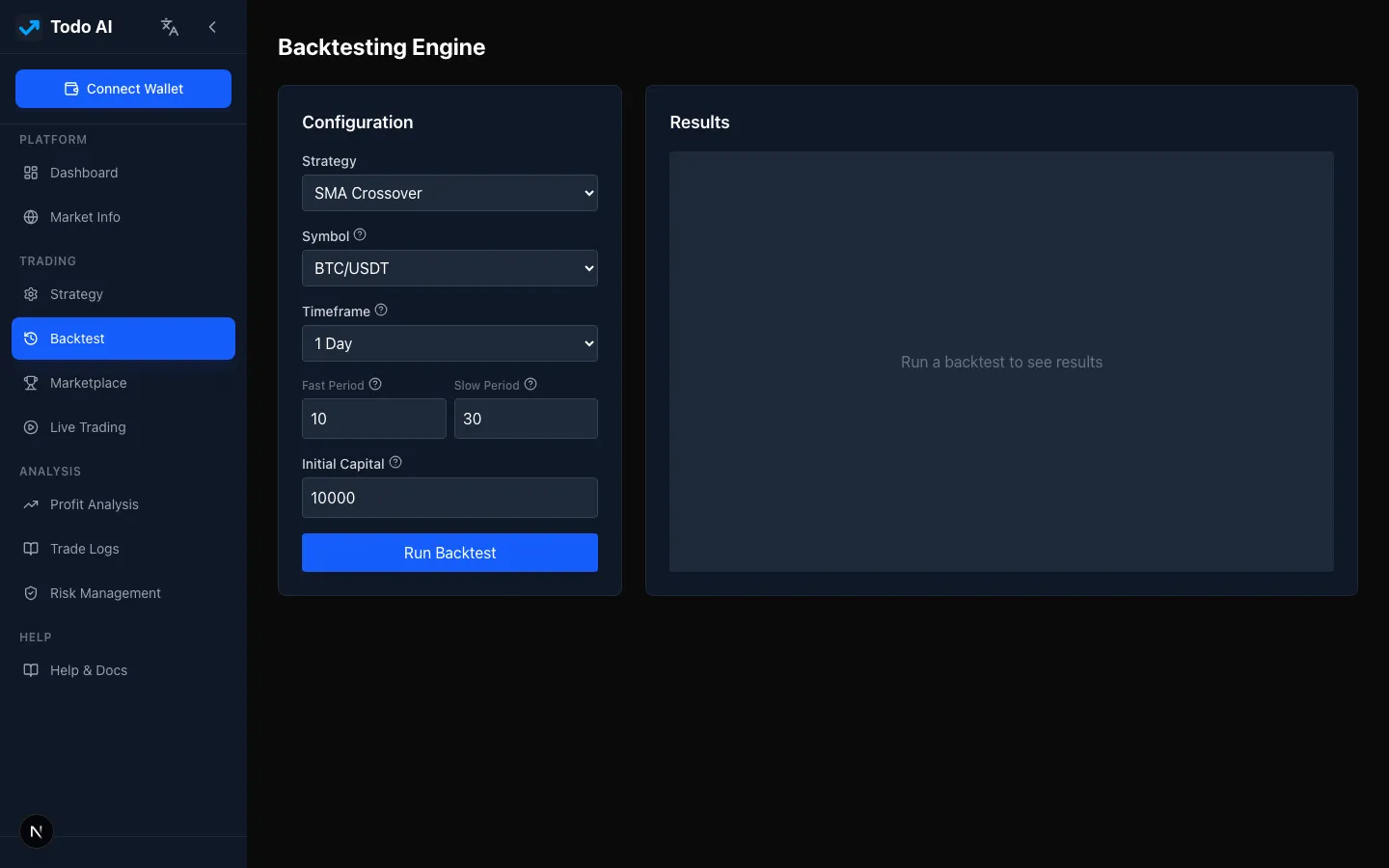
When complete, the right pane shows:
- Total return / max drawdown / win rate / Sharpe ratio
- Equity curve
- Per-trade detail
You can also use BacktestReplay to step through each candle and watch entry/exit markers.
Step 5 · Start paper trading
Back to Strategy → find your strategy → click Start.
The top mode selector must read Paper. Switch to Real only after configuring OKX keys.
After starting:
- The system checks every 30s via systemd timer
- Buy rules trigger → automatic order (simulated funds)
- Sell rules / SL / TP trigger → automatic close, PnL recorded
Step 6 · Review results
Go to Profit Analysis to see cumulative PnL and win-rate distribution. Trade Logs for each trade.
🎓 What's next
code Strategy construction in depth
Learn to write complex AND/OR conditions
Paper → Real checklist
Set max-drawdown protection
sitemap Architecture + data flow
How the system fits together